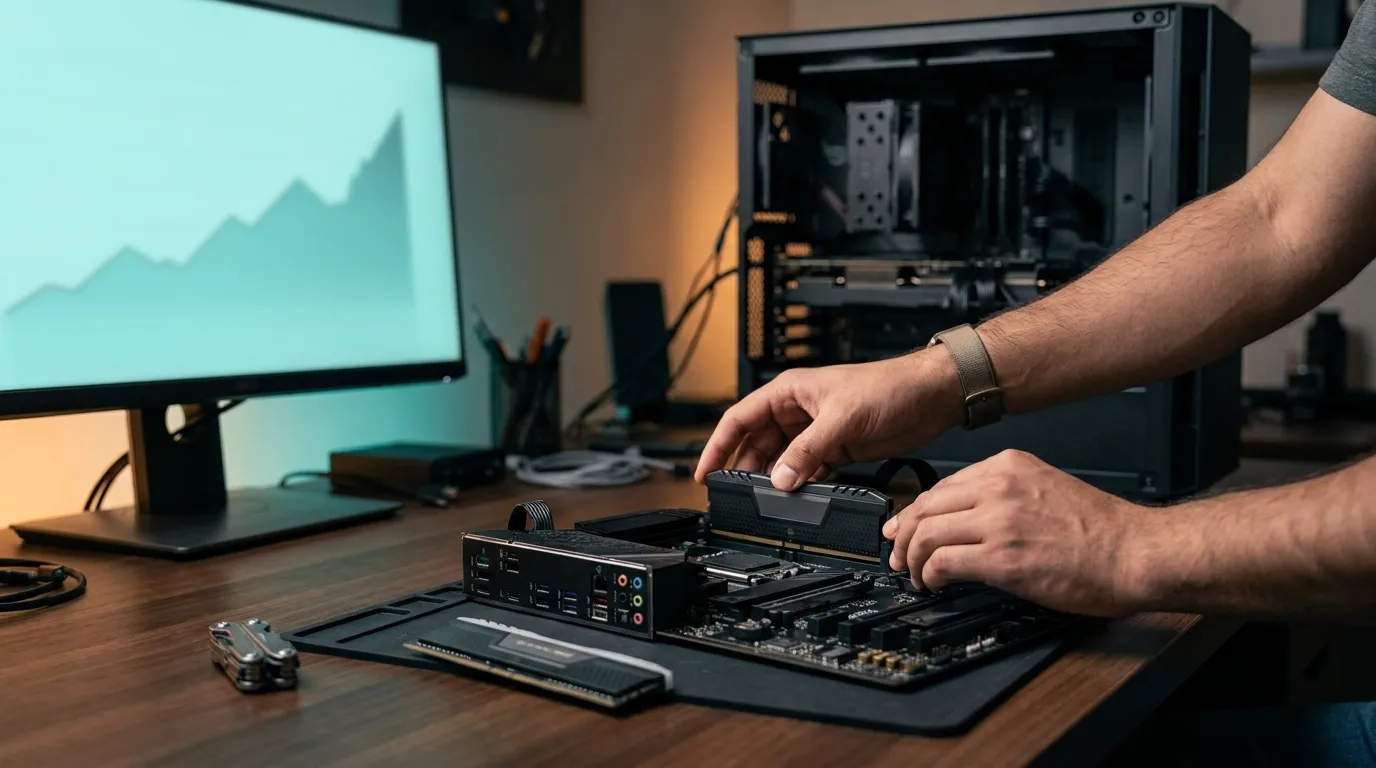
If you have recently priced a PC build or a laptop RAM upgrade, the increase can feel unreasonable. A kit that used to be an easy part of the budget may now force you to rethink the whole build.
The short answer is that RAM prices are rising because global memory supply is tight, while demand from AI servers and data centres is pulling manufacturers towards higher-value memory products. Sri Lankan buyers then feel that pressure through import costs, exchange-rate movement, local stock levels and warranty costs.
For most people, the best move is simple: buy a compatible RAM kit when your build or upgrade is genuinely ready. Do not panic-buy months early, but do not delay a necessary build just because you expect a guaranteed price drop.
Why RAM prices are rising in 2026
RAM uses DRAM chips. The same major manufacturers that supply memory for ordinary desktop PCs and laptops also supply the much larger memory requirements of servers and AI infrastructure.
In 2026, AI and data-centre demand has made this competition much stronger. Memory makers can earn more by allocating capacity to server and AI-related products, so there is less supply available for normal PC memory. A recent memory-market analysis projected unusually large DRAM contract-price increases early in 2026. Later forecasts showed the pace easing, but the market still remained tight.
That does not mean every RAM stick on a Sri Lankan shelf suddenly doubles in price. Shops sell stock purchased at different times, and each brand, capacity and warranty level is priced differently. But when new stock costs more, those increases eventually reach PC builders.
AI demand is competing with ordinary PC buyers
This is the unusual part of the current situation. A student building a budget desktop, a gamer adding 16GB, and a company expanding servers are all drawing from related memory supply chains. When large buyers secure supply in advance, smaller consumer-focused channels have less flexibility.
That is also why waiting for a quick return to old prices is risky. Prices may stabilise or rise more slowly, but a stable market is not the same as a cheap market.
Why Sri Lankan RAM prices can feel even higher
Global DRAM prices are only one part of a Sri Lankan retail price. RAM is imported, so the final amount can also include the supplier’s US-dollar cost, exchange-rate movement, shipping, duties and levies, local stock risk and the cost of honouring a warranty.
For this reason, you should not compare a foreign website’s checkout price directly with a local shop price. If you import a module yourself, you may still face delivery charges, taxes, clearance delays and a difficult return process. Sri Lanka Customs notes that online imports can be subject to applicable duties and levies, so the advertised item price is not always the final cost.
Local pricing can also move at a different speed from global headlines. A retailer may still have older stock at a reasonable price, or a new shipment may already reflect a higher supplier quote. The sensible approach is to compare a few reputable local sellers on the same day, using the exact capacity, DDR generation, speed and warranty terms.
Warranty has a value
A cheaper RAM module is not automatically better value. If it fails, arrives damaged or does not work correctly with your motherboard, a local warranty and a shop that can test the part may save more than the initial difference.
For an important work PC, student laptop or customer build, it is usually worth paying a sensible premium for a known module and clear warranty support.
Should you buy RAM now or wait?
Use this rule: buy now if the rest of your build is ready, you need the PC soon and you have found a correctly matched kit at a fair local price.
Waiting makes sense when your project is optional, you have not selected the motherboard or laptop yet, or your budget is still incomplete. In that situation, buying RAM early can create a compatibility problem later and leaves your money locked into one part.
Buy now if your project is ready
Do not let the hope of a price drop stop a necessary upgrade. If 8GB is slowing down your study work, browser multitasking, coding or gaming, a properly chosen upgrade can improve the PC immediately. The value of using the computer comfortably now can be greater than a possible future saving.
The same applies to a complete PC build. If you have selected the processor, motherboard and graphics card, buy the RAM as part of a tested build rather than waiting while other components sit unused.
Do not buy RAM as speculation
Buying several kits simply because prices might rise is rarely a good home-user strategy. Memory specifications change, warranties have conditions and your preferred platform may change before the kit is needed. Buy for a confirmed build, not for a prediction.
Spend on capacity first, then choose the right kit
When RAM is expensive, it is tempting to buy the smallest possible kit or to spend heavily on speed and RGB lighting. For most Sri Lankan builders, capacity and compatibility should come first.
A practical 16GB vs 32GB guide
- 16GB: The sensible starting point for study, office work, web browsing, programming, everyday use and most gaming PCs. A matched 2 x 8GB kit is often a balanced choice where the platform supports it.
- 32GB: Worth paying for if you edit video, work with large design files, run virtual machines, compile larger projects, keep many demanding apps open or want a gaming PC with more headroom.
- More than 32GB: Buy it for a known workload, not because a product label says “future-proof.” Most everyday users will not notice enough benefit to justify a strained budget.
If money is tight, a reliable 16GB kit is usually a better decision than 8GB paired with premium lighting or an unnecessarily high rated speed.
DDR4 vs DDR5: choose the platform, not the label
DDR4 and DDR5 are not interchangeable. Your motherboard or laptop decides which one you need. Do not choose an older DDR4 platform only because you assume DDR4 must be cheaper. As manufacturers reduce some older-memory capacity, certain DDR4 modules can become surprisingly expensive or difficult to find.
If you are upgrading an existing DDR4 computer, buying compatible DDR4 RAM can be completely sensible. For a new build, compare the total platform cost: processor, motherboard and RAM together. The right answer depends on the full build, not one module’s price.
One stick or a matched kit?
A matched kit is the safer choice for a new build because both modules are designed and tested to work together. Two sticks can also allow dual-channel operation on many systems, which can improve performance in memory-sensitive tasks.
A single 16GB stick can make sense if you have a confirmed plan to add the same model later. Otherwise, avoid randomly mixing modules with different capacities, speeds or timings. They may work, but they can run at lower settings or create stability problems.
Avoid these expensive RAM mistakes
- Buying the wrong generation: DDR4 and DDR5 use different slots. Check the motherboard or laptop specification before ordering.
- Ignoring the form factor: Desktop DIMMs and laptop SO-DIMMs are physically different.
- Paying for speed you cannot use: A high-rated kit may run at a lower speed if the motherboard, processor or laptop does not support its profile.
- Mixing random RAM sticks: A cheap second module can cost time and troubleshooting later.
- Forgetting soldered laptop memory: Some laptops have no upgrade slot, while others have one slot plus soldered RAM. Confirm this before spending.
- Skipping warranty details: Ask for the exact model number, warranty period and return process, not only the brand name.
For a laptop upgrade, take the model number to a trusted technician or seller and ask them to confirm upgradeability, supported capacity and the correct SO-DIMM type. It is much cheaper than ordering the wrong part.

Frequently asked questions
Will RAM prices go down in Sri Lanka soon?
No one can promise that. Global price rises may slow, but Sri Lankan prices also depend on stock already in the country, exchange rates and incoming shipment costs. Compare current compatible options instead of waiting for a specific date or price.
Is DDR4 still worth buying in 2026?
Yes, for a compatible existing PC. It is often the most practical way to improve an older system. For a new build, compare the full DDR4 and DDR5 platform cost rather than assuming DDR4 is automatically the budget choice.
How much RAM do I need for gaming, study or office work?
For most people, 16GB is the practical minimum target in 2026. Move to 32GB when you use creative applications, demanding development tools, virtual machines or heavy multitasking.
Can I mix two different RAM sticks?
Sometimes, but it is not ideal. The system may reduce speed or become unstable. A matched kit, or an identical additional module confirmed by model number, is the safer option.
Is overseas RAM always cheaper?
Not necessarily. Add shipping, possible taxes, delivery time, exchange-rate charges and the cost of dealing with a failed module without local warranty. Compare the final landed cost with a local, warranty-backed option.
The sensible move for Sri Lankan builders
RAM prices are rising because the global market is under pressure, and Sri Lanka adds its own import and support costs. That is frustrating, but it does not mean every builder should stop buying.
Choose the right platform, buy the capacity your work actually needs and use a compatible, warranty-backed kit when your build is ready. The best saving is not chasing the cheapest RAM listing, it is avoiding the wrong RAM purchase altogether.
If you are unsure about compatibility, bring your laptop or PC specifications to Udarata Computers for a practical RAM upgrade recommendation before you buy.