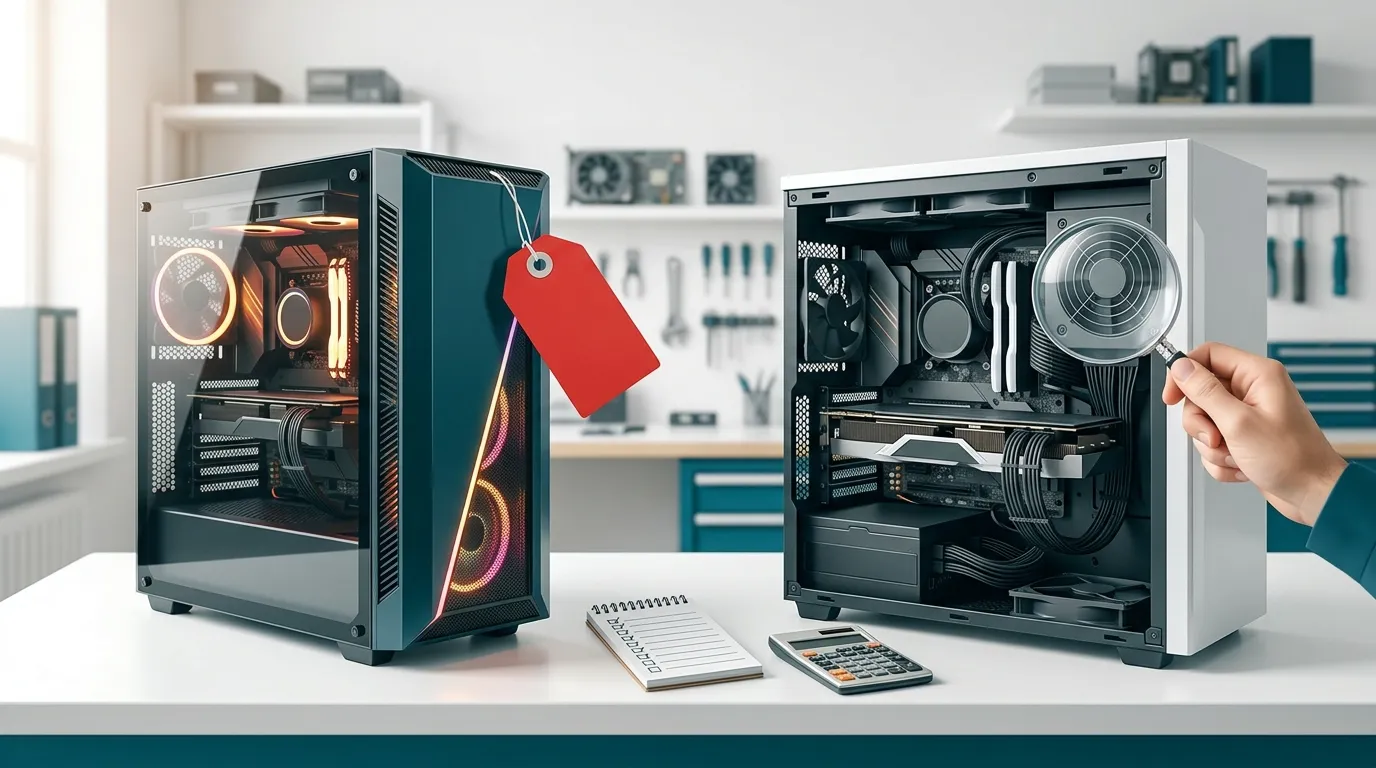
You've saved up for a gaming PC and found a ready-made one that looks great on paper. Then a friend adds up the same main parts separately and gets a lower total. Did you find a rip-off, or is your friend missing something?
That is the prebuilt vs custom PC question, and in Sri Lanka the answer depends on a few things most buying guides never mention. The short answer: pre-built gaming PCs often cost more than they should, but not only because of assembly. The extra money usually hides in branding, looks, and parts you can't see on the spec sheet.
Quick Answer
- A pre-built is overpriced when its price is far above the same main parts plus a fair assembly fee.
- A custom build usually wins when you want more gaming power per rupee and standard, upgradeable parts.
- A pre-built is fine when the parts list is clear, the warranty is honoured locally, and the price holds up against the same-parts test below.
Where the Extra Money in a Pre-Built Actually Goes
Let's be fair first: assembling and testing a PC takes skill and time, and that work deserves to be paid for. The problem is what gets added on top.
Fair cost vs. padding
Big-name gaming towers carry the cost of brand marketing, case design, and retailer margins. Many ready-made systems also spend heavily on RGB lighting, a flashy case, and a large cooler. None of that makes your games run faster.
For gaming, the graphics card does most of the work. A PC that spends on looks usually has a weaker graphics card than a custom build at the same price. You are paying for the packaging.
Watch for bundled extras too. A "free" keyboard, mouse, or headset is often priced into the total.
The same-parts test
Ask the seller for the exact model of the processor, graphics card, RAM, SSD, motherboard, and power supply. Then price the main parts separately and add a reasonable assembly fee. If the pre-built costs far more, ask what the difference pays for. If the answer is "the brand," you have your answer.
Worldwide, memory and graphics card prices have been unsettled in 2026, so gaps are smaller than they used to be. That makes the test more important, not less. Always compare on the same day.
The Parts You Can't See on the Spec Sheet
Most listings highlight the processor, graphics card, RAM, and SSD. The parts that decide how long your PC lasts are often left unnamed.
Power supply
The power supply feeds every other part. A listing that says only "650W PSU" with no brand is a warning sign. A weak unit can shorten the life of expensive parts. Never accept an unnamed power supply in a gaming PC.
Motherboard and upgrade limits
An entry-level motherboard can limit you later, with fewer RAM slots and little room to upgrade. Some branded desktops also use non-standard parts, so replacing a power supply or motherboard later can be difficult or impossible.
RAM and SSD details
Check whether the RAM is two matching sticks, which generally suits gaming better than a single stick. Ask for the SSD brand and model too. An unbranded drive may save the seller money, but it won't help you when you need support.
Finally, check the case. A good-looking case with poor airflow can make a PC run hot and slow down under load.

Sri Lankan Factors That Change the Maths
Most online advice is written for American buyers. Here, a few local realities matter.
Prices that move with the dollar
Computer parts are priced from dollar costs, so a rupee change can move prices within weeks. VAT in Sri Lanka is 18% on most goods, so it affects pre-built and custom PCs alike, but it makes any price gap more painful on a big purchase.
Always ask for the quote date and how long the price is held. An old pre-built price may be higher than today's parts-based price, or the seller may be selling older stock at an old, inflated rate. Branded imports can also pass through an importer and an agent, which adds another margin layer.
Warranty: one box vs. part by part
A pre-built's big advantage is one point of contact. But check who actually honours the warranty. An official local agent is very different from a grey import that nobody supports here.
With a custom build, each part has its own warranty. That is fine when the shop handles the claims for you and lists the warranty period for every part on your invoice. Get this in writing, whichever route you choose.
Repairs matter too. Standard parts are easier to source and replace locally than proprietary ones. That is one reason a custom PC built with common parts tends to be easier to keep running in Kandy and across Sri Lanka.
When a Pre-Built Is the Right Choice
We build custom PCs, but we won't pretend pre-builts are always a bad deal. A pre-built can be the smarter buy when:
- It comes from an official local agent with a clear, honoured warranty.
- You want one warranty and one phone number, and don't want part-by-part claims.
- The seller names every part and the price passes the same-parts test.
- A local builder offers a ready-made configuration made from standard parts at a fair price. That is practically a custom PC already.
And one myth worth clearing up: custom does not mean building it yourself. A good shop picks compatible parts, assembles, tests, and stands behind the result. You get the control of a custom build without the stress of doing it alone.
How to Check Any Gaming PC Quote Before You Pay
Whether the PC is pre-built or custom, run through this list:
- Ask for the exact brand and model of every part.
- Price the processor and graphics card separately at two shops.
- Confirm the power supply brand and wattage.
- Check that the RAM is two sticks, and ask about upgrade options.
- Get the warranty period for each part in writing, and ask who handles claims.
- Check the quote date and how long the price is valid.
- Check where the money is going. For gaming, most of the budget should go to the graphics card, with less on case lighting and extras.
Frequently Asked Questions
Is a custom PC always cheaper than a pre-built in Sri Lanka?
No. Custom builds usually give better performance for the money, but when parts prices rise or a seller bought stock earlier, a well-priced pre-built can compete. Always run the same-parts test on the day you buy.
Do I have to build a custom PC myself?
No. You choose the parts with advice from a builder, and the shop assembles, tests, and supports it. Custom describes how the parts are chosen, not who holds the screwdriver.
Is warranty worse on a custom PC?
Not necessarily. Each part has its own warranty, and a good shop manages claims for you. Ask for the warranty period for every part on the invoice, and confirm who handles the claim.
Can I upgrade a pre-built later?
It depends on the parts. Systems built with standard parts are easy to upgrade. Some branded systems use non-standard parts that limit upgrades, so ask before you buy.
Where should most of my budget go?
For gaming, put the largest share into the graphics card, then a solid power supply and enough fast storage. Spend less on case lighting and extras.
The Bottom Line
Judge the parts list, not the label. A pre-built is not automatically a bad deal, and a custom PC is not automatically a good one. The best gaming PC is the one where your rupees go into performance, quality parts, and warranty you can actually use.
Before you buy, ask for the full parts list and run the same-parts test. If you'd like a second opinion, bring the quote to us in Kandy. We'll tell you honestly whether it's fair, even if you decide to buy it elsewhere.