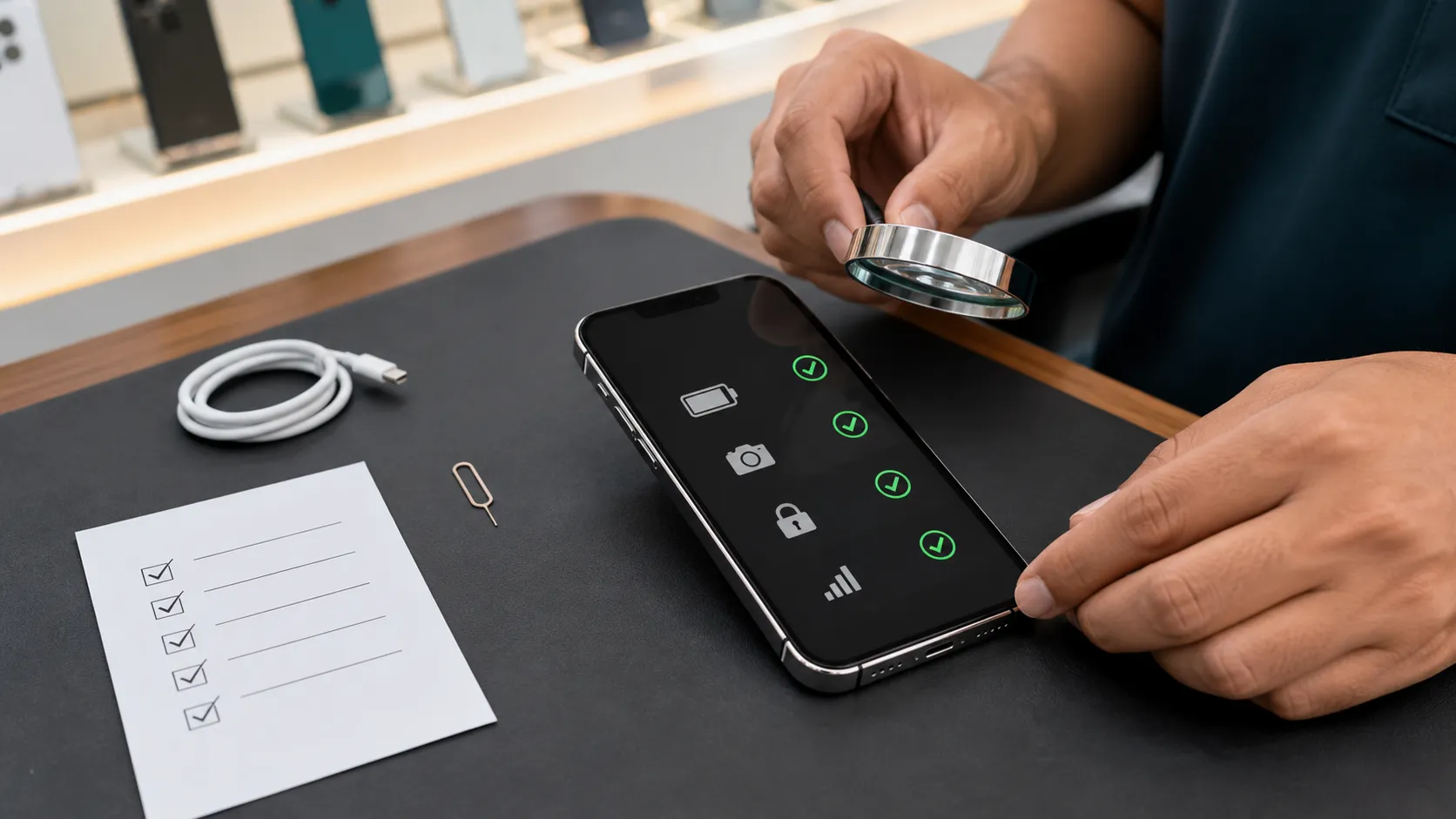
A used iPhone can be a sensible way to get a reliable camera, strong performance and access to the Apple ecosystem without paying the price of a new model. However, the cheapest phone is rarely the safest deal. A weak battery, failed Face ID system, unknown display or ownership lock can quickly remove every rupee you saved.
This used iPhone Sri Lanka guide explains which models offer good value in 2026, what to test before paying and when you should walk away from a deal.
Is a Used iPhone Worth Buying in Sri Lanka in 2026?
Yes, but only when the phone is unlocked, fully tested, fairly priced and supported by clear seller information. Condition matters more than colour, accessories or small cosmetic marks. A clean-looking phone with a poor repair history can be a much worse purchase than a scratched phone with genuine parts and a healthy battery.
Best-value models by budget
For most buyers, an iPhone 13 with 128GB is the balanced choice. An iPhone 12 can be sensible when the budget is lower. We would consider an iPhone 11 only when the price is genuinely attractive and the phone is in unusually good condition.
The iPhone 11 and newer models remain compatible with iOS 26. Compatibility does not guarantee an equal remaining lifespan, so avoid buying the oldest supported model merely because it can install the current software.
If Apple Intelligence is important to you, an iPhone 13, 14 or standard iPhone 15 will not provide it. Apple lists the iPhone 15 Pro models and iPhone 16 models or newer as the supported iPhones.
The Used iPhone Inspection Checklist
Do not complete these checks after paying. Test the actual device you are buying, even when the seller describes it as “A grade,” “100% original” or “like new.” Those terms do not replace evidence.
1. Check ownership and identity first
- Confirm that Activation Lock is off. Ask the seller to erase the iPhone and allow you to activate it. Do not buy a phone showing “iPhone Locked to Owner.” Apple’s pre-owned iPhone guidance treats an enabled Activation Lock as a reason not to buy.
- Open Settings > General > About. Confirm the model, storage, serial number and IMEI.
- Check the carrier-lock field. It should show “No SIM restrictions.” A carrier-locked imported phone may not accept your Sri Lankan connection.
- Compare the IMEI. The number in Settings should match the number shown by dialling *#06# and any number printed on the invoice or box.
A box is useful, but it does not prove ownership or originality. Boxes and accessories can be replaced. The phone’s own settings and successful activation matter more.

2. Inspect Parts and Service History
On a compatible iPhone running iOS 15.2 or later, open Settings > General > About and look for Parts and Service History.
- Genuine Apple Part indicates that the listed repair used a genuine Apple component and supported process.
- Used may appear on newer supported devices when a genuine component was previously installed in another iPhone.
- Unknown can indicate a non-genuine part, an incomplete installation, a previously used part that cannot be verified or a component that is not functioning as expected.
A replaced part is not automatically a reason to reject the phone. The important questions are what was replaced, whether the repair is recognised, whether every related function works and whether the price reflects the repair history.
Be more cautious with an unknown display, battery, camera or Face ID-related repair. These components can affect safety, colour accuracy, biometric security, camera performance and resale value.
3. Judge battery condition properly
Open Settings > Battery > Battery Health & Charging. Check Maximum Capacity, Peak Performance Capability and any warning messages.
- 85% or higher: A comfortable target for most buyers, assuming the battery is recognised and the phone performs normally.
- 80%–84%: Usable, but include a future battery replacement in your budget.
- Below 80%: Buy only with a meaningful discount and a clear replacement plan.
Do not assume that 100% battery health on an old phone is automatically better. It often means the battery was replaced. Check Parts and Service History and ask for the repair invoice.
Apple explains that batteries in the iPhone 14 and earlier are designed to retain 80% of their original capacity after 500 complete charge cycles under ideal conditions. The exact result varies with age, heat and charging habits.
4. Test every expensive function
- Display: Check brightness, touch response, dead pixels, discolouration, flickering and accidental touches. Open a white image and a dark image.
- Face ID or Touch ID: Enrol your own face or fingerprint and unlock the phone several times.
- Cameras: Test every available lens, autofocus, portrait mode, flash, front camera and video recording.
- Audio: Make a call, play music, record a voice memo and listen for weak or distorted speakers and microphones.
- Connectivity: Test your SIM, calls, SMS, mobile data, Wi-Fi and Bluetooth.
- Charging: Test the cable connection and wireless charging where supported. Gently check whether the charging port is loose.
- Controls: Test the volume buttons, side button, mute switch or Action button, vibration and proximity sensor.
Inspect the frame, camera lenses, back glass, SIM tray and charging port. Gaps, uneven edges, excess adhesive, corrosion or moisture under a camera lens may indicate a drop, liquid exposure or poor repair. Never assume that an opened or repaired iPhone retains its original water resistance.
How to Decide Whether the Price Is Fair
Sri Lankan asking prices change with supply, exchange rates, storage, battery condition and warranty. Retail listings reviewed in August 2026 showed approximate prices of Rs. 64,900–75,000 for an iPhone 11 128GB, Rs. 75,900–88,000 for an iPhone 12 128GB and Rs. 94,900–109,000 for an iPhone 13 128GB.
These figures are comparison points, not official market prices. A cheaper private-sale phone may include no warranty, while a shop price may include testing, an invoice and limited after-sales support.
Calculate the real ownership cost
Do not compare two phones by asking price alone. Use this simple calculation:
Real cost = purchase price + likely repairs + missing accessories + risk created by weak warranty terms.
For example, a phone that is Rs. 10,000 cheaper but needs a battery replacement may offer no real saving. A slightly more expensive phone with strong battery health, verified parts and written support may be the better deal.
Walk away when you see these red flags
- Activation Lock is enabled or the seller refuses to erase and activate the phone.
- The IMEI numbers do not match.
- Face ID does not work.
- The device has no signal, random restarts, overheating or charging problems.
- The seller will not let you inspect Parts and Service History.
- The battery-health screen is unavailable or shows an unknown-part warning without a clear explanation.
- The seller pressures you to pay before completing the tests.
- The promised warranty is not written on the invoice.
- The price is far below comparable devices and the seller cannot explain why.
Sri Lankan Checks Before Paying
Verify the IMEI and local network operation
Display the phone’s IMEI by dialling *#06#. The TRCSL mobile-device guidance says the number can be verified by sending an SMS to 1909 in this format:
IMEI 123456789012345
Use the actual 15-digit IMEI with a space after the word IMEI. Complete this check before paying, and test the phone using your own Sri Lankan SIM.
Also check Settings > General > About > Carrier Lock. It should say “No SIM restrictions.” Only the original carrier can unlock a carrier-restricted iPhone.
Pay attention to regional variants. iPhone 14 and newer models purchased in the United States are eSIM-only and do not have a physical SIM tray. Confirm that the model and your preferred Sri Lankan network suit your SIM requirements before buying.
Demand useful written warranty terms
A shop warranty is valuable only when you understand what it covers. The invoice should include:
- The exact model, storage and IMEI.
- The amount paid and payment date.
- The warranty period.
- Covered faults and exclusions.
- Whether the remedy is repair, replacement or refund.
- The seller’s business name and contact information.
Private sellers may offer lower prices, but shops provide a physical place to return to when something fails. When the price difference is small, seller accountability can be worth more than the saving.
Frequently Asked Questions
What battery health is acceptable on a used iPhone?
Aim for at least 85% when possible. A phone at 80%–84% can still be usable, but the price should account for an earlier battery replacement. Below 80%, buy only when the discount and replacement plan make financial sense.
Is a replaced battery or display always bad?
No. A correctly installed, recognised part can be acceptable. Check Parts and Service History, test every related function and confirm that the repair is reflected in the price. An unexplained “Unknown” message deserves greater caution.
Is the iPhone 11 still worth buying in 2026?
It can serve a light user on a strict budget, and it supports iOS 26. However, it has no 5G and offers less remaining ownership life than an iPhone 12 or 13. Avoid paying a premium for cosmetic condition alone.
Should I buy from a shop or a private seller?
A private seller may be cheaper. A reputable shop may offer testing, an invoice and after-sales assistance. Choose based on the complete deal: phone condition, evidence, price and written support.
Can a serial-number check prove that every part is original?
No. A serial-number or coverage check can help identify the device and available coverage, but it does not prove that every internal part is original. Use Parts and Service History and physical testing as well.
Final Verdict
The best used iPhone is not necessarily the newest model you can afford. It is the phone that passes every important test, has a transparent history and leaves enough room in your budget for responsible ownership.
For most Sri Lankan buyers in 2026, a properly tested iPhone 13 128GB offers the best overall balance. Choose an iPhone 12 when the budget is tighter, and consider an iPhone 15 when longer ownership and USB-C justify the extra cost.
Compare several equivalent phones, verify the IMEI, activate the device yourself and get the warranty terms in writing. If the seller prevents any of these checks, let the deal go.
If you would like help inspecting or selecting a used iPhone in Kandy, contact Udarata Computers for practical advice before you spend.