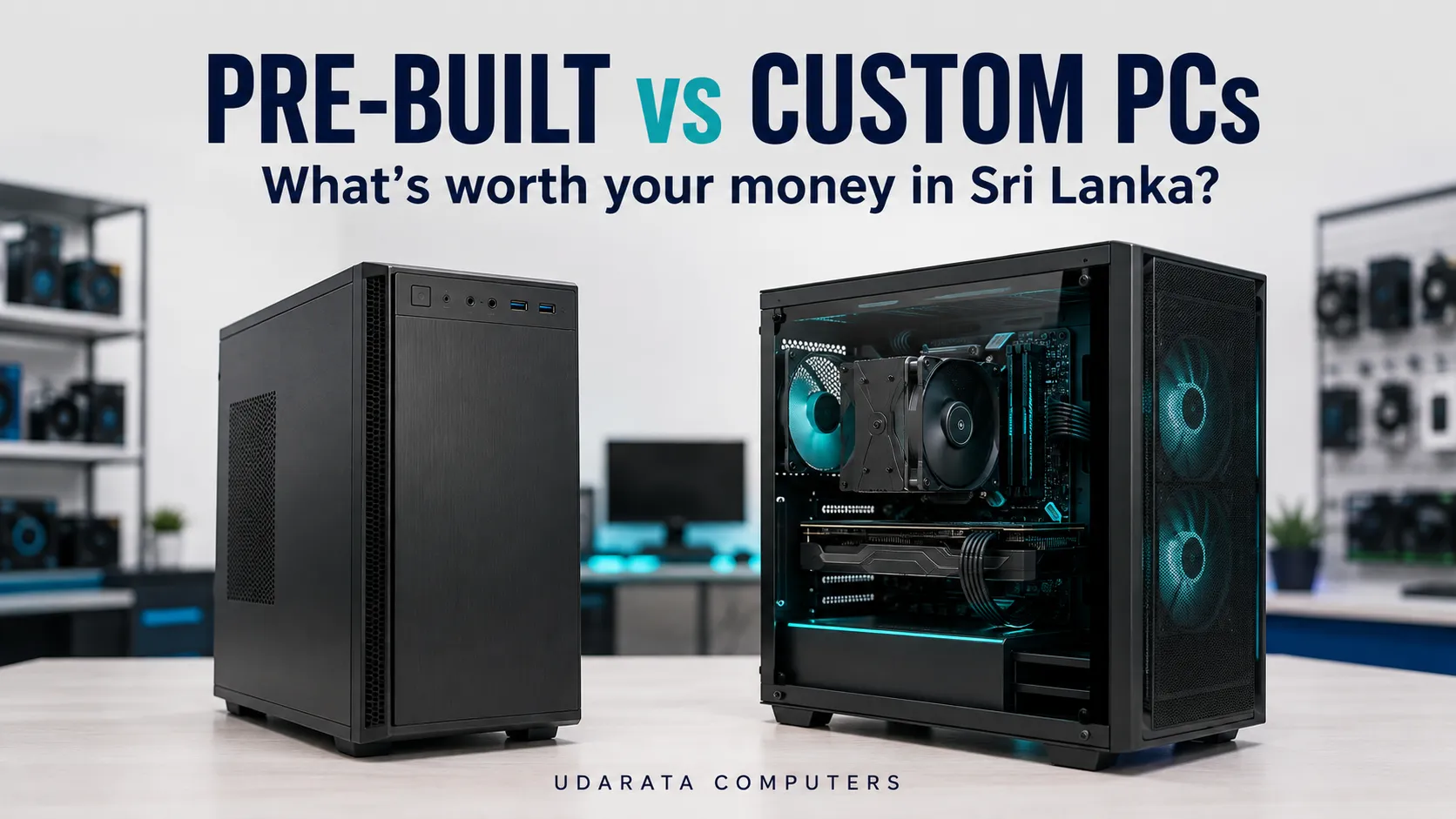
The prebuilt vs custom PC decision comes down to what your money buys: suitable performance, a complete setup and support you can use. A ready-made desktop can offer good value when its specification fits your needs. A custom PC is worth considering when you want more control over the components and how your budget is spent.
For Sri Lankan buyers, the challenge is comparing complete offers. A lower price may exclude software, include older components or come with different warranty terms. Look beyond the processor name and the appearance of the case before deciding.
Prebuilt vs custom PC: what are you actually buying?
A prebuilt PC is a ready-made configuration. It could be a branded factory desktop or a system assembled by a local computer shop.
A custom PC uses components selected for your requirements. You can have a shop assemble it for you. DIY means selecting and assembling the components yourself. These are distinct PC purchasing options.
Some shops allow changes to an advertised package. In that situation, the final written specification matters more than whether the seller calls it prebuilt or custom.
Which option costs less in Sri Lanka?
Neither option is automatically cheaper. Compare quotations prepared at roughly the same time, with equivalent components, condition and inclusions.
Compare the complete setup
A tower-only price does not tell you how much you need to spend before you can start working or gaming. Ask each seller to include:
- The exact processor, graphics card, motherboard, memory, storage and power supply.
- The case, cooler and required fans.
- Assembly, testing and setup charges.
- A Windows licence if required, plus any separately purchased software.
- A monitor, keyboard, mouse and Wi-Fi connection if needed.
- Delivery and any applicable payment charges.
Illustrative example only: one complete quotation costs Rs. 200,000. Another starts at Rs. 185,000 but needs Rs. 18,000 of equivalent extras. Its comparable total becomes Rs. 203,000.
The second offer initially looks Rs. 15,000 cheaper, but the complete setup costs Rs. 3,000 more. These figures are not current product prices; they show how missing inclusions can change a comparison.

Check condition, availability and quote validity
Keep new and used systems separate when comparing prices. An older used desktop may be affordable, but its condition, performance and warranty need their own assessment.
Ask whether every component is new and request written identification of any used or refurbished parts. A new case does not establish the condition of the hardware inside it.
For Sri Lankan purchases, request a quotation in rupees with a validity period. Confirm that the listed parts are available and that substitutions require your approval. Overseas prices converted into rupees do not account for the complete local purchase and support arrangement.
If you are paying by instalments, compare the total payable with the cash price. For delivery outside the seller’s area, include transport costs and ask how a return would be handled.
Which option fits your work or games?
Study and office work
For assignments, spreadsheets, browsing and video calls, a suitable ready-made desktop can make the buying process straightforward. There is little benefit in paying for features you will rarely use.
As a practical starting point, request a quotation with 16GB RAM and an SSD, then adjust it to your applications and budget. Confirm support for your monitor, webcam and internet connection.
A separate gaming graphics card may be unnecessary for basic study and office work. If a package includes costly extras that do not help your tasks, ask whether a custom specification would reduce the total.
Gaming
Start with the games you play, your monitor’s resolution and your performance expectations. Ask the seller to explain how the proposed configuration meets those requirements.
A custom gaming PC lets you adjust the balance between components. A prebuilt remains worth considering when its full specification, price and support compare well.
Do not choose by “Core i7” or “Ryzen 7” alone. Request the full processor model. Likewise, ask for the exact graphics card rather than accepting a description such as “8GB graphics”.
When the budget is tight, ask what you could save on decorative lighting or case styling before reducing the hardware needed for your games. Also confirm that the quote includes an appropriate power supply and cooling.
Creative and technical work
For editing, design, programming or engineering applications, give the seller your software names and examples of your projects. Basic coding and document work have different requirements from large video projects or complex 3D scenes.
A custom quotation is useful when available packages spend too much on features you do not need. Ask whether additional memory or storage would improve your work more than a higher processor tier.
If you earn money with the computer, consider repair access alongside performance. A small purchase saving may matter less than knowing who will diagnose a fault when your work stops.
What should you check about warranties and upgrades?
Who handles the fault?
Ask a practical question before buying: “If this PC stops working, can I bring you the whole machine, and will you identify the faulty part?”
Then ask for written answers to these points:
- What warranty period applies to each component or to the complete system?
- Are diagnosis and labour included, and for how long?
- Who handles the claim with the supplier or manufacturer?
- Who pays for transport if the computer must be returned?
- What happens if a replacement component is unavailable?
- Which invoices, serial-number labels and packaging must be retained?
A statement such as “three-year warranty” needs clarification. Ask whether it applies to every component and whether service charges have separate terms.
For buyers in Kandy and surrounding areas, establish where the machine must be taken for support. Convenient access to diagnosis can be valuable, but confirm the actual service arrangement before relying on it.
What can you realistically upgrade?
A prebuilt PC can be upgradeable, and a custom build can still have limits. Ask about a specific upgrade you expect to make rather than accepting a general promise of future flexibility.
- More memory: What type and capacity are supported, and are any slots free?
- More storage: Is there an available compatible slot or drive connection?
- A stronger graphics card: Will it fit, and can the power supply support it?
- A newer processor: Does the exact motherboard support it, and is a firmware update required?
The motherboard’s processor and memory support information is a useful starting point. Compatibility should be checked against the actual component models.
Compact office desktops deserve particular attention. Check the case space, power supply and connections before buying one with the intention of adding a powerful graphics card later.
Also ask whether replacement components can be sourced locally. A worthwhile upgrade plan accounts for compatibility, availability and the cost of any supporting changes.
Questions to settle before buying
Do I need to assemble a custom PC myself?
No. You can agree on a specification with a shop and have it assembled. Confirm the assembly charge, testing and handover arrangements before ordering.
Does a custom PC automatically perform better?
No. The actual hardware and its configuration determine performance. Compare evidence relevant to your applications or games, including the settings used, rather than relying on the prebuilt or custom label.
Is Windows included in either option?
Ask explicitly. The quotation should state the operating system, edition and whether a licence is included. Check Office and specialist software separately. “Software installed” does not clearly explain what you are purchasing.
Is a used branded desktop better value?
It can be a sensible low-cost choice for modest workloads if its condition, specification and support are acceptable. Assess it separately from a new PC.
If you need Windows 11, check the official hardware requirements, including a compatible processor, TPM 2.0 and Secure Boot capability. An existing Windows installation does not establish official compatibility.
Which should you choose?
Choose a prebuilt PC when its exact configuration meets your needs, the complete price is competitive and the support terms are clear.
Choose a custom PC when changing the specification gives you a better fit for your work, games or planned upgrades. Professional assembly makes this option accessible even if you have never built a computer.
Before paying, make sure your quotation answers five questions:
- What are the exact components, and which are new, used or refurbished?
- What is the total price with everything I need?
- Who handles diagnosis, labour and warranty claims?
- Has my likely next upgrade been checked for compatibility?
- When will the tested computer be ready, and must I approve substitutions?
Take your budget, application list and details of any equipment you already own to the seller. This gives a useful starting point for a recommendation that fits your needs.
For help exploring your options, contact Udarata Computers in Kandy and request an itemised quotation. Use the specification, complete cost and written support terms to decide what is worth your money.