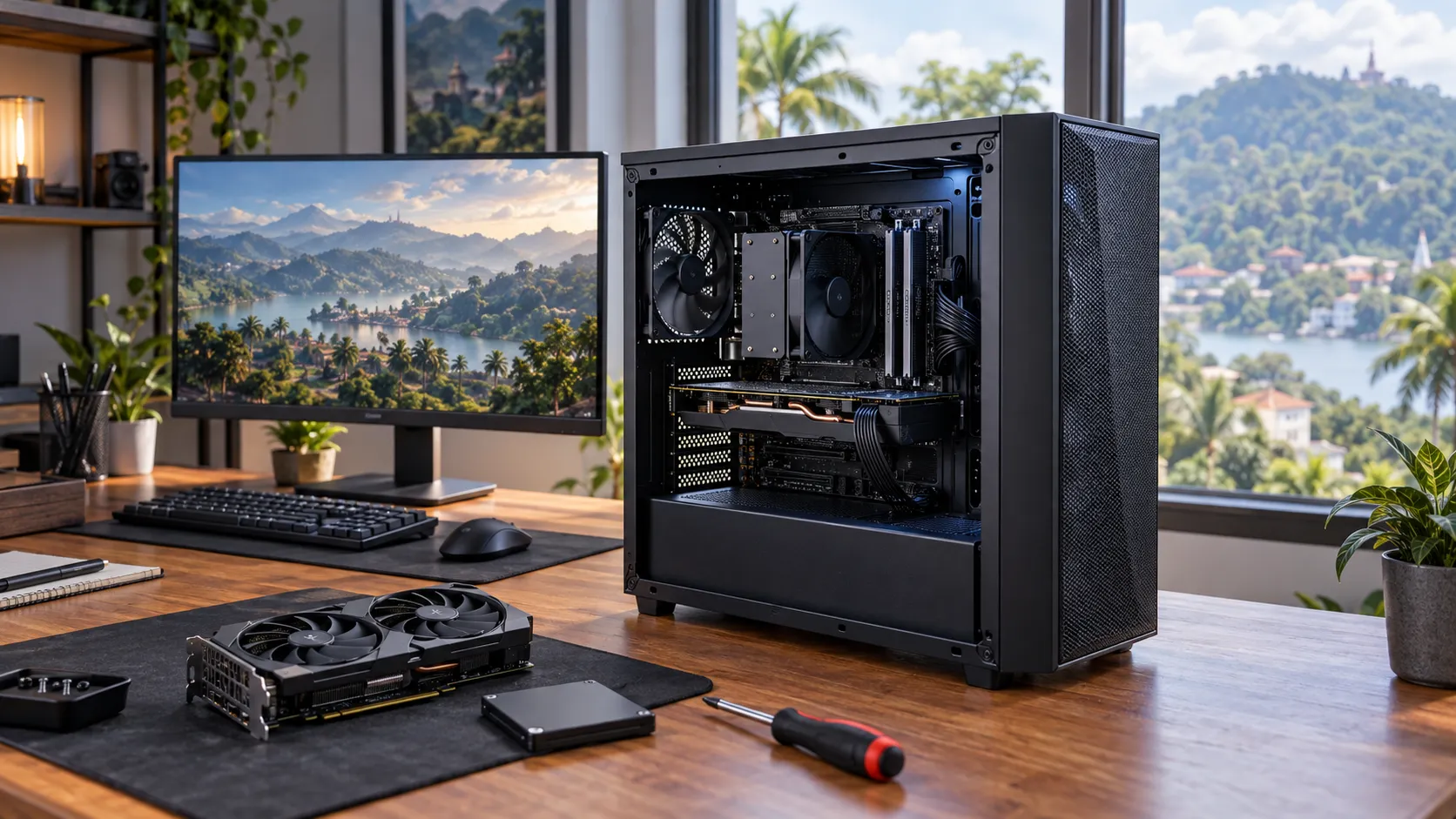
A cheap gaming PC build in Sri Lanka is possible, but the smartest build is not always the one with the lowest price tag. The real goal is to spend your money where it improves gaming performance, save money where it does not matter as much, and avoid parts that create repair or upgrade problems later.
If your budget is tight, you need a balanced plan. A powerful graphics card with a weak power supply is risky. A nice RGB case with only 8GB RAM will feel slow. A very cheap used GPU can become expensive if it fails after two weeks. This guide will help you choose affordable parts and shop carefully in the Sri Lankan market.
Start With the Games You Actually Play
Before choosing parts, write down the games you want to play. This one step can save a lot of money.
If you mostly play esports titles such as Valorant, Fortnite, Dota 2, League of Legends, Counter-Strike 2, or GTA V, you do not need the most expensive graphics card. A sensible entry-level or mid-range build can give a good 1080p experience.
If you want to play newer AAA games with high graphics settings, you need a stronger graphics card, more VRAM, and a better overall budget. The price difference can be large, so it is better to be honest about expectations from the beginning.
For most budget gamers, target 1080p
In Sri Lanka, 1080p gaming is usually the best value target. A 1440p setup needs a stronger GPU and a more expensive monitor. That can push the total cost up very quickly.
For a first gaming PC, aim for smooth 1080p performance first. You can always upgrade the graphics card or monitor later if the rest of the build is planned properly.
Where Your Budget Should Go First
When money is limited, every rupee needs a job. Spend first on the parts that directly affect gaming performance and reliability.
1. Graphics card
The graphics card, or GPU, is usually the most important part of a gaming PC. It has the biggest effect on frame rates, graphics quality, and how well newer games run.
For a budget build, look at cards suitable for 1080p gaming. An RTX 3050-class GPU, GTX 1660-class GPU, RX 6600-class GPU, or similar option can make sense depending on local pricing and stock. Newer cards may offer better features, but they may also cost much more.
If the budget is very tight, a used GPU can be considered, but only with proper testing and clear warranty terms.
2. Processor
You do not need a high-end CPU for a budget gaming PC. A good 6-core processor is enough for most gamers.
Examples include AMD Ryzen 5 and Intel Core i5-class processors. These CPUs are strong enough for gaming, school work, office work, browsing, and light content creation. Spending too much on the CPU while buying a weak GPU is a common mistake.
3. RAM
For gaming in 2026, 16GB RAM should be the practical baseline. Some older or lighter games can run on 8GB, but the experience is not ideal once you open Discord, Chrome, game launchers, and background apps.
If you are building on a very tight budget, you can start with 8GB only if the motherboard has free slots and you plan to upgrade soon. But if possible, choose 16GB from the start.
4. Storage
An SSD is not optional anymore. It makes Windows, games, and daily use feel much faster than a hard drive.
A 500GB SSD is the minimum sensible choice. A 1TB SSD is better if your budget allows it, because modern games can be very large. You can always add a hard drive later for movies, files, or older games.
5. Power supply
Do not buy the cheapest unbranded power supply just to reduce the bill. The PSU protects the entire system. A poor-quality PSU can cause shutdowns, instability, or damage to other parts.
For many budget gaming builds, a good 550W to 650W power supply from a known brand is a safer choice. Check the GPU requirement, future upgrade plans, and warranty before choosing.
6. Case and looks
A good case should have airflow, enough space, and decent build quality. RGB lighting is nice, but it should not come before GPU, SSD, RAM, or PSU quality.
If you must save money, choose a simple case with airflow instead of an expensive case with lights but poor cooling.
Example Budget Gaming PC Builds for Sri Lanka
Prices change often in Sri Lanka, so treat these as build directions rather than fixed quotations. Stock, warranty, exchange rates, and supplier pricing can change the final amount.
Lowest sensible 1080p esports build
- CPU: Ryzen 5 or Core i5-class processor
- GPU: Entry-level dedicated graphics card or carefully tested used GPU
- RAM: 16GB if possible
- Storage: 500GB SSD
- PSU: Reliable 550W or better
- Best for: Valorant, Dota 2, League of Legends, Fortnite, school work, and everyday use
This build is for buyers who want the lowest sensible cost without creating a frustrating PC. It is not meant for ultra settings in heavy AAA games.
Best value 1080p build
- CPU: Ryzen 5 5500, Ryzen 5 5600, i5-12400F, or similar
- GPU: RTX 3050, GTX 1660 Super, RX 6600, RTX 4060, or similar depending on price
- RAM: 16GB DDR4 or DDR5 depending on platform
- Storage: 1TB SSD if budget allows
- PSU: Good 650W Bronze or better
- Best for: 1080p gaming, study, work, and future upgrades
This is the safer choice for most buyers. It costs more than the lowest build, but it gives better long-term value and fewer compromises.
Upgrade-friendly budget build
- CPU: Modern Ryzen 5 or Core i5-class processor
- Motherboard: Choose based on upgrade path, not just lowest price
- RAM: 16GB now, with room to upgrade
- Storage: 1TB SSD if possible
- PSU: 650W or higher from a trusted brand
- Best for: Buyers who want to upgrade GPU, RAM, or storage later
This build is useful if you cannot afford your dream graphics card now. You build a solid base first, then upgrade the GPU later when your budget improves.
Smart Shopping Hacks to Keep Costs Low
Compare the full build, not only one part
A shop may offer a low price on one part but a higher total build cost. Always compare the full quotation: CPU, GPU, motherboard, RAM, SSD, PSU, case, cooling, assembly, and warranty.
Buy used parts carefully
Used parts can save money, especially graphics cards. But they also carry more risk.
Used RAM, cases, and some CPUs can be acceptable if tested. Be more careful with used GPUs, motherboards, SSDs, and power supplies.
Reuse old parts only when they are safe
You may be able to reuse a monitor, keyboard, mouse, hard drive, or case. But be careful with an old PSU. If it is low quality, very old, or not powerful enough, replace it.
Do not overspend on the motherboard
A motherboard should support your CPU, RAM, storage, and future upgrade needs. You do not need an expensive board unless you need specific features such as Wi-Fi, more ports, better VRM cooling, or a high-end CPU upgrade path.
Check warranty before paying
In Sri Lanka, warranty support is a major part of value. A slightly cheaper part with unclear warranty may not be worth the risk. Ask how long the warranty lasts, who handles the claim, and what happens if the part fails.
Common Budget PC Mistakes to Avoid
Mistake 1: Buying the cheapest PSU
This is one of the most expensive cheap decisions. A poor PSU can affect the whole system. Save on the case or RGB first, not the power supply.
Mistake 2: Building with only 8GB RAM and no upgrade plan
8GB RAM may start the PC, but it can limit gaming and multitasking. If you must start with 8GB, make sure upgrading to 16GB is easy.
Mistake 3: Skipping the SSD
A gaming PC with only a hard drive will feel slow even if the CPU and GPU are decent. Always include an SSD.
Mistake 4: Spending too much on looks
RGB fans, glass panels, and premium cases look good, but they do not improve frame rates. Build performance first. Make it beautiful later.
Mistake 5: Ignoring airflow
Cheap does not have to mean hot. Choose a case with enough ventilation and at least basic fan support. Heat can reduce performance and shorten component life.
Mistake 6: Buying without checking compatibility
CPU socket, motherboard chipset, RAM type, case size, PSU connectors, and GPU size must match. If you are unsure, get the full build checked before buying.
Should You Build Yourself or Ask a Local Shop?
Building yourself can be rewarding. It can also save some money if you already understand compatibility, cable connections, BIOS settings, Windows installation, and troubleshooting.
But for many first-time builders in Sri Lanka, getting help from a trusted local shop is safer. A good shop can check compatibility, assemble the PC neatly, test the system, install required software, and guide you through warranty claims if something goes wrong.
This is especially useful if your budget is tight. When you cannot afford mistakes, expert checking matters.
DIY is suitable if:
- You understand PC compatibility
- You are comfortable assembling parts
- You can troubleshoot boot issues
- You are buying from reliable sellers with clear warranty
Ask for expert help if:
- This is your first gaming PC
- You are mixing new and used parts
- You are unsure about PSU or motherboard compatibility
- You want local warranty and after-sales support
Udarata Computers helps customers in Kandy choose, build, upgrade, and maintain custom PCs with practical advice and long-term support. The best build is not just the one that runs today. It should also be easy to service and upgrade tomorrow.
FAQs
What is the cheapest gaming PC build in Sri Lanka that is still worth buying?
The cheapest sensible build should still include a dedicated graphics card, 16GB RAM if possible, an SSD, and a reliable power supply. For most budget gamers, a 1080p esports-focused build is the best starting point.
Is a used graphics card safe to buy?
It can be safe if it is tested properly and comes from a trustworthy seller. Avoid buying a used GPU without checking temperatures, fan condition, display output, warranty status, and previous repair history.
Is 8GB RAM enough for gaming in 2026?
8GB can run some lighter games, but 16GB is the better baseline. It gives a smoother experience when gaming, browsing, using Discord, or keeping background apps open.
Should I buy a gaming laptop instead?
A gaming laptop is useful if you need portability. But for the same budget, a desktop PC usually gives better upgrade options, easier repair, and stronger long-term value.
Can I upgrade a budget gaming PC later?
Yes, if you plan the build correctly. Choose a motherboard, PSU, case, and RAM setup that allow future upgrades. A cheap build with no upgrade path can become expensive later.
Final Advice
A cheap gaming PC build in Sri Lanka should be balanced, not blindly cheap. Spend first on the graphics card, reliable power supply, SSD, and enough RAM. Save money on looks, unnecessary motherboard features, and parts that do not improve your actual gaming experience.
Before buying, list your games, budget, monitor resolution, and upgrade plans. Then get a full quotation and check warranty clearly. That simple process will help you build a PC that performs well, lasts longer, and does not break the bank.